Here is exactly what happens when you upload your structural package.
Every step. Every decision point. Including what happens when something in your drawings is ambiguous — and why that’s the part that matters most.
AI Pipeline
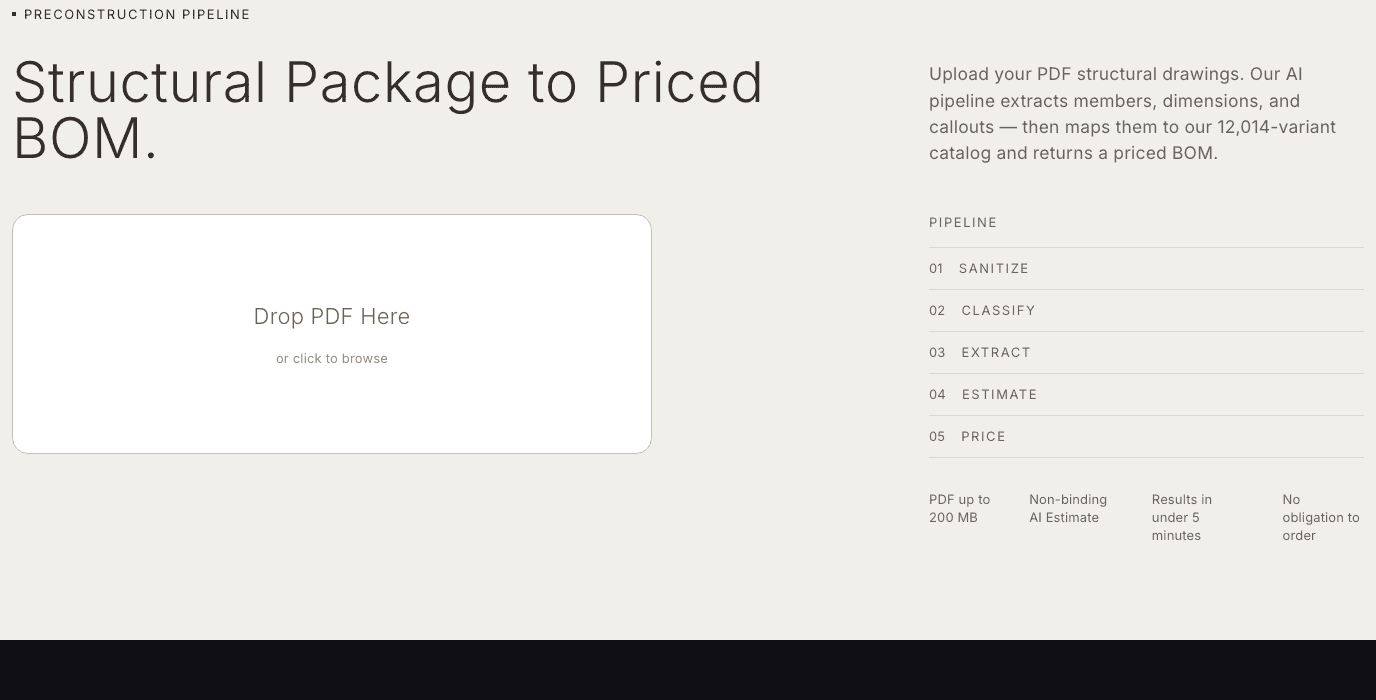
From PDF upload to priced BOM: five steps, under five minutes for standard packages up to 50 pages.
Upload.
You submit a PDF structural package through the platform — up to 200 MB, up to 150 pages per package. The system processes every page — not a representative sample, every page.
Extraction.
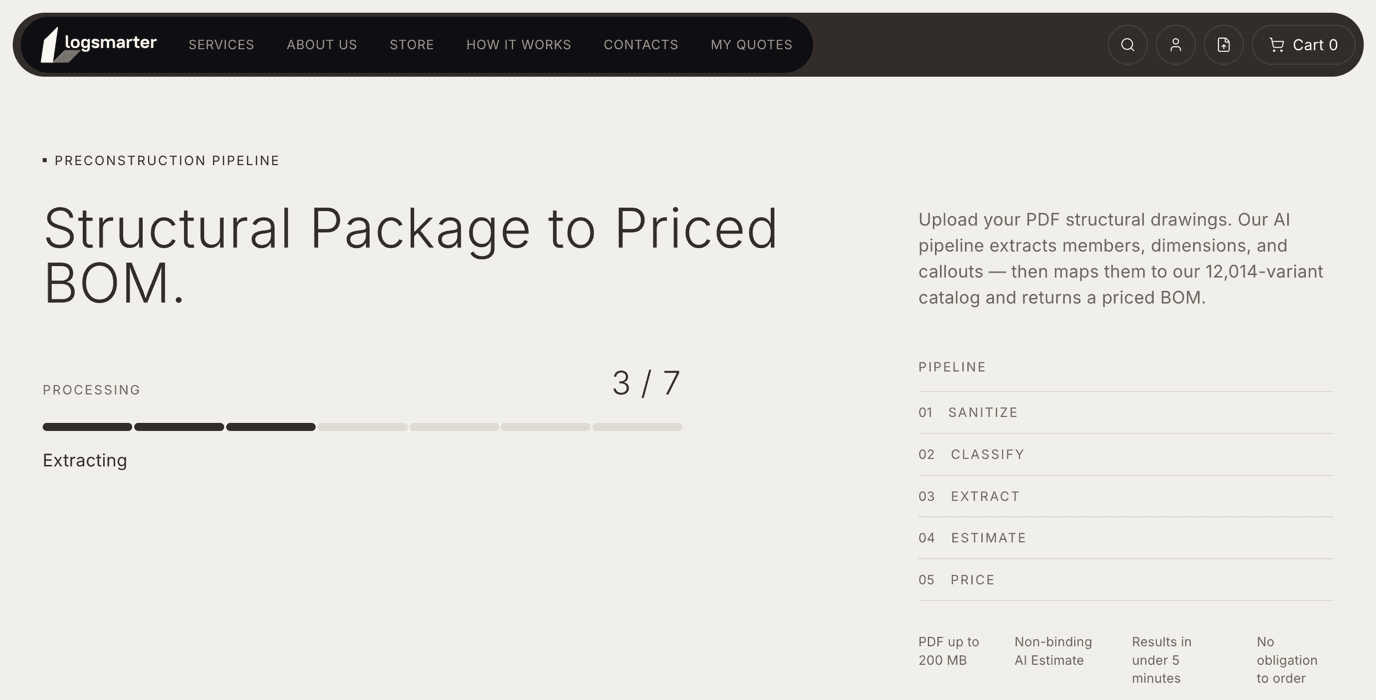
Our AI reads each sheet using visual language model technology. It identifies LVL specifications: beam dimensions, quantities, structural notations, load designations, and detail reference callouts. The system processes the explicit visual data present on the drawings — dimensions, annotations, symbols — as they appear on the page.
The extraction is driven by what your drawings actually say, not by assumptions about what they probably mean. If your drawing shows 1‑3/4″ × 11‑7/8″ with a specific load designation, that is what gets extracted — not a closest-match approximation.
Traceability mapping.
Every extracted line item is linked back to its source: the exact page number and reference callout in your drawings where that specification appears. The BOM you receive is not a black-box output — it is a traceable document.
If something looks wrong in the BOM, you can find exactly where it came from in your drawings. And if your drawings contain a discrepancy between sheets, the system will flag that discrepancy rather than silently choosing one interpretation.
Catalog matching and pricing.
Each extracted specification is matched against our current product catalog. Pricing is applied at your account tier — the same price list used for manual catalog orders. You see what the item costs, what category and SKU it maps to, and whether it is available from standard production or requires a custom cut.
The AI Estimate is priced from the same source as a manual order. There is no “estimate pricing” that diverges from actual catalog pricing. What you see in the Estimate is what you would pay if you placed that order today.
AI Estimate delivery.
The completed BOM with source traceability and account-tier pricing lands in your Estimate Workspace. Standard packages up to 50 pages are ready in under five minutes. The document is marked “Not for Construction” and is explicitly non-binding. It is purpose-built for one task: giving you a number you can use to build a competitive bid before the window closes.
The AI Estimate is a bid instrument, not a permit instrument. It is engineered to be fast and defensible for bidding purposes, not to meet a specific tolerance for construction accuracy. When you are ready to build and need a number you can take to the permit office, that is when you request your Certified Quote with engineer review.
Ambiguity handling
What happens when your drawings are ambiguous. This is the part most systems don’t talk about.
Structural drawings are not always unambiguous. Dimensions get revised between sheets. Notes reference standards that aren’t included in the package. A specification in the plan view conflicts with the detail view. A beam designation is legible to a licensed engineer who knows the project context — and less legible to a system that sees only what is on the page.
Our system does not resolve these ambiguities silently. When the AI encounters a specification it cannot extract with confidence — a dimension that is unclear, a notation that is contradictory, a reference that is outside the submitted package — it flags that item. The flag appears in your Estimate Workspace as a separate category: items that require clarification before they can be confirmed.
This is not an error state. This is the system working correctly.
A system that silently resolves ambiguities — picking the most likely interpretation and adding it to your BOM without telling you — gives you a cleaner-looking output. It also gives you a BOM that may be wrong in ways you cannot detect until the wrong material arrives on site. We chose the opposite design: show you exactly where the uncertainty is, so you can address it before it becomes a procurement error.
When flagged items appear in your Estimate, you have two options. You can clarify the specification — by adding a note or submitting supplementary drawings — and re-run the affected lines. Or you can proceed directly to requesting a Certified Quote, in which case our engineering team resolves the ambiguities as part of their review. Either path produces a confirmed, accurate specification.
1-3/4″ × 11-7/8″ × 24’
Sheet 3, Detail A-4
“Requires clarification
before confirmation.”
Estimate workspace preview
Engineer review
“The AI produces the BOM. The engineer’s signature makes the material specification their responsibility — not yours.”
Why an engineer signs the Certified Quote — and what that signature actually means for you.
When a structural engineer stamps drawings, the stamp is not a statement that the drawings are correct. It is a legal act: a licensed professional is accepting professional responsibility for the content of that document. If the specification turns out to be wrong, the liability sits with the engineer who stamped it — not with the architect who prepared the initial design.
The same logic applies to a Certified Quote from LogSmarter.
When you request a Certified Quote, a LogSmarter engineer reviews your structural package against the AI-extracted BOM. They verify dimensions against your drawings, check that structural notations have been correctly interpreted, confirm load designations, and resolve any items that were flagged as ambiguous. When they issue the Certified Quote, their sign-off means one specific thing: the material specification in that document is their professional responsibility, not yours.
This is what changes between an AI Estimate and a Certified Quote. The AI Estimate is your preliminary specification — purpose-built for the bid stage, fast preliminary numbers you can use to evaluate whether a project is worth pursuing, and your document. The Certified Quote is our specification — engineer-reviewed, commercially binding, and our responsibility.
When a LogSmarter engineer issues a Certified Quote, they are accepting professional responsibility for the accuracy of the material specification contained in that document — dimensions, quantities, and product selection as matched to your submitted structural package. This responsibility is limited to the LVL material specification scope and does not extend to structural design adequacy, code compliance of the overall building design, or fitness for a specific structural application. LogSmarter is a materials supplier, not a structural design firm. The engineer of record for the project retains responsibility for the structural design.
This is not a limitation of the AI. The AI produces the same BOM in both cases. What changes is who is accountable for it. A purely automated system can give you speed — but it cannot give you a transfer of liability, because an algorithm does not hold a professional license and cannot accept legal responsibility for a specification. The engineer in this process exists not to check the AI’s arithmetic. The engineer exists to make the Certified Quote a document you can take to a permit application, a framing subcontractor, or a project owner — with someone else’s name on the line.
What the engineer review covers — and how long it takes.
The engineering team reviews specification completeness, verifies that extracted dimensions match your submitted drawings, resolves ambiguous items, and confirms that the BOM is appropriate for the described structural application.
AI Boundaries
What our AI does well. And what it does not do.
We are telling you this because a system that claims to do everything automatically, with no limitations, is a system that is not being honest about how structural drawings actually work. Ours is.
What the AI does
Reads dimensions, annotations, reference callouts, and quantities from each sheet
Handles multi-sheet packages with cross-references between plan views and detail sheets
Accurate on standard structural package formats
Links every BOM line to its source page and detail reference
Prices from the same catalog and tier used for manual orders
What requires engineer review
Drawings illegible due to scan quality or resolution
Project context not present in the submitted package
Engineering judgments on structural appropriateness
Permit-ready or procurement-ready documentation
Ambiguous callouts, contradictory specifications between sheets
Data handling
Your structural drawings are your IP. Here is how we handle them.
Awaiting legal review
Questions we hear from structural architects and GCs reviewing the platform for the first time.
Ready to upload your first package?
The AI Estimate is non-binding and takes under five minutes for standard packages up to 50 pages. If you want to start with a test package to evaluate the output — that works too.
Non-binding AI Estimate — for budgeting and bid preparation only. Not for construction, permit, or procurement use.
For orders where you already know your sizes.